The Account Linking Trap

Account linking privacy risks come from more than sharing your email address. The real danger is that “Sign in with…” can create a stable bridge between services, devices, apps, purchases, location signals, and behavior that would otherwise remain harder to connect.
That does not mean social login is always bad. It means users should treat every linked login as a data relationship, not just a convenience feature especially now that identity providers, advertisers, app developers, and data brokers all benefit when fragments of your digital life become easier to stitch together.
Prefer listening? Click play below, or listen to this episode on RedCircle.
What are account linking privacy risks?
Account linking privacy risks are the privacy and security problems created when one account is used to access another service. The obvious risk is that a third-party app may receive your name, email address, profile photo, or other permissions. The less obvious risk is that account linking gives multiple systems a shared identifier: a durable way to recognize that the same person is active across different services.
That shared identifier is what makes account linking so powerful. It reduces password reuse, simplifies onboarding, and can make fraud detection easier. But it also reduces separation. A fitness app, shopping site, newsletter platform, workplace tool, and entertainment app may not know everything about you individually. Once those accounts are linked through the same identity provider, the walls between them become thinner.
This is why advice such as “just use social login because it avoids password breaches” is incomplete. It focuses on credential security but ignores identity exposure. A password manager can help you create separate logins without reusing passwords. A social login can solve one problem while creating another: a cleaner map of where you go and what you use.
 Omar Torres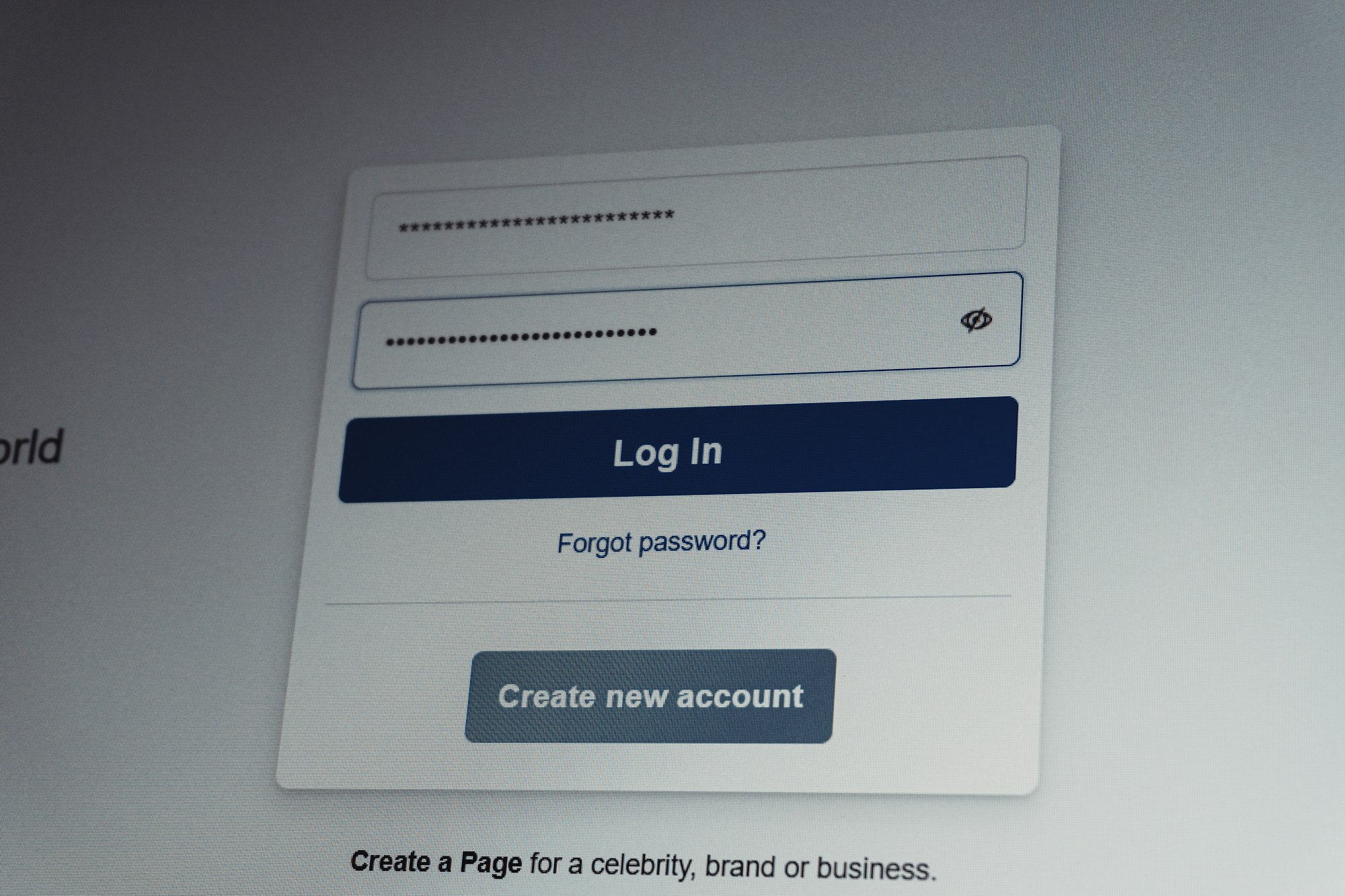
What actually happens when you click “Sign in with Google”?
When you click a button like Sign in with Google, Sign in with Apple, Facebook Login, or Microsoft sign-in, the site is usually using OAuth 2.0 or OpenID Connect. In plain language, the identity provider confirms who you are and sends the requesting app a token or identity claim.
Google’s account-linking documentation says the default account-linking scope can include email, profile, and openid, and recommends asking for more access only when needed: https://developers.google.com/identity/account-linking/oauth-linking. That is good practice. But the privacy problem is not limited to whether an app gets your inbox or calendar. Even basic identity data can become a reliable join key.
Here is the common flow:
- You choose a third-party login button instead of creating a separate account.
- The identity provider confirms your identity.
- The app receives basic profile information or requested permissions.
- The app creates an internal user record tied to that provider.
- The app may combine that record with device identifiers, analytics IDs, purchase history, IP address, referral source, or advertising data.
- Over time, that linked login becomes part of a larger identity graph.
That last step is where users are often misled. The consent screen shows what the app asks to access today. It does not show every future inference the company may make after combining your login event with behavioral data, tracking pixels, data broker segments, or customer relationship tools.
Protect your digital life. Subscribe for trusted privacy and security insights.
Why is “minimal permission” not the same as minimal tracking?
A login permission screen can be technically narrow and still privacy-invasive in practice.
The mistake is assuming permissions equal tracking. They do not. Permissions control what a third-party app can request directly from the identity provider. Tracking often comes from everything around the login: embedded SDKs, analytics scripts, advertising pixels, server logs, mobile ad IDs, browser fingerprints, referral parameters, and hashed email matching.
The FTC’s staff report on cross-device tracking warned that companies can use deterministic and probabilistic methods to connect devices and activity across contexts: https://www.ftc.gov/system/files/documents/reports/cross-device-tracking-federal-trade-commission-staff-report-january-2017/ftc_cross-device_tracking_report_1-23-17.pdf. That point matters even more now because login data is one of the cleanest deterministic signals available. If the same email, account ID, or social login appears across services, identity stitching becomes easier and more reliable.
A company may say it collects login information for authentication. That can be true. But the same account relationship may also support personalization, fraud scoring, analytics, attribution, ad measurement, or “service improvement.” Those categories are broad enough to hide a lot of linking.
 Omar Torres
Which “Sign in with…” options are better for privacy?
No major login provider is perfect. The privacy value depends on what data is shared, whether email masking is available, how revocation works, and whether the app respects purpose limitation.
| Login option | Privacy-critical takeaway |
|---|---|
| Sign in with Apple | Best when you use Hide My Email, but it still centralizes access through Apple. |
| Sign in with Google | Convenient and secure, but often reveals a stable email/profile identity. |
| Facebook Login | High-risk for privacy-sensitive users because Meta’s ecosystem is advertising-driven. |
| Microsoft sign-in | Useful for work accounts, but consent scopes can expose organizational data if misused. |
Apple’s Sign in with Apple is the strongest mainstream example of privacy-aware login because it can create relay email addresses instead of exposing your real email. Apple explains Hide My Email for Sign in with Apple here: https://support.apple.com/en-us/105078. Apple also announced that new relay addresses for Sign in with Apple and iCloud+ Hide My Email will move to the private.icloud.com domain in 2026: https://developer.apple.com/news/?id=sus6t6ab. That is a meaningful privacy feature because it makes email-based identity stitching harder.
But even Apple’s model is not magic. If you later give the app your phone number, shipping address, payment details, device permissions, or location, the relay email only protects one identifier. It does not anonymize your whole account.
Google Sign-In has strong security benefits, especially for users who already protect their Google account with passkeys or two-factor authentication. Google’s OAuth scope documentation also distinguishes sensitive scopes and encourages narrower requests: https://developers.google.com/identity/protocols/oauth2/scopes. The tradeoff is that your Google identity often becomes a stable anchor across many services. For privacy-sensitive activity, that stability can be the problem.
Facebook Login deserves the most skepticism. Meta’s developer permissions reference describes granular permissions for apps: https://developers.facebook.com/docs/permissions/. Granular permissions are better than unlimited access, but Facebook’s business history and advertising ecosystem make it a poor default for users who want separation between social activity and the rest of their web activity.
Microsoft identity sign-in is common in workplaces and enterprise apps. Microsoft’s consent model is built around scopes and permissions: https://learn.microsoft.com/en-us/entra/identity-platform/permissions-consent-overview. That can be appropriate in managed environments, but users should be cautious when a third-party app asks for access to files, mail, calendars, contacts, or organizational resources.
 Omar Torres

Clear steps to protect your digital life.
Where do people misunderstand account linking?
The biggest misunderstanding is thinking the login button is only about logging in.
For companies, login is also a trust shortcut, a data-quality shortcut, and a conversion shortcut. A verified Google, Apple, Meta, or Microsoft identity is cleaner than an email typed into a form. It reduces fake accounts. It improves attribution. It can make customer records easier to merge. Those are valuable business outcomes, but they are not automatically aligned with user privacy.
A second misunderstanding is assuming revoking access fully unwinds the relationship. Revocation may stop future access to the identity provider’s APIs, but it does not necessarily delete the profile the app already created. The app may retain your account, email, logs, transaction history, analytics events, support tickets, and derived inferences. Disconnecting a login is not the same as erasing the data trail.
A third misunderstanding is believing that private browsing or blocking cookies solves identity stitching. Cookie blocking can reduce some tracking, but logging in creates a first-party relationship. The service no longer needs to guess who you are through a third-party cookie if you voluntarily authenticate.
This is why the best privacy advice is not “never use social login.” That is too simplistic. The better rule is: use linked login only when the account relationship is worth making durable.
How can account linking become a security risk?
Account linking also changes your threat model.
If one identity provider becomes the gateway to dozens of apps, then that provider becomes a high-value target. A compromised Google, Apple, Facebook, or Microsoft account can become a skeleton key for services where you used that login. Strong authentication helps, but centralization always raises the stakes.
There is also a phishing angle. Users are trained to click familiar login buttons quickly. Attackers exploit that habit with fake OAuth screens, malicious apps, lookalike consent pages, and unnecessary permission requests. A password phishing page asks for credentials. A malicious OAuth flow asks for permission and may look more legitimate.
Developers can make this worse by requesting too much too early. A notes app that asks for profile information is normal. A notes app asking for contacts, calendar, file storage, or email access should trigger suspicion. Incremental permissions are safer because they force the app to justify access at the moment it is actually needed.
 Omar Torres
Subscribe: Spotify, YouTube, Amazon Music, RSS, Apple Podcasts
What should privacy-conscious users do before linking accounts?
You do not need to reject every “Sign in with…” button. You need a decision rule.
Use linked login when the service is low-risk, reputable, and something you expect to keep using. Avoid it when the service is experimental, sensitive, disposable, political, health-related, financial, or tied to a private identity you want separated from your everyday profile.
A better default is to create a separate login with a password manager and an email alias. That gives you most of the security benefit without handing every service the same identity anchor. For Apple users, Sign in with Apple plus Hide My Email can be a reasonable middle ground. For Google or Microsoft users, linked login may make sense for productivity tools where account recovery and security matter more than separation. For Meta, use Facebook Login only when the social connection is actually necessary.
Before approving any linked login, check four things:
- what identity is shared,
- what extra permissions are requested,
- whether you can revoke access later,
- and whether the app provides a real deletion path.
If any of those are unclear, use an alias instead.
How should websites and app developers handle account linking responsibly?
The burden should not fall only on users. Developers should treat account linking as a privacy-sensitive design choice.
First, ask for the minimum identity data needed to create the account. Second, request additional scopes only when the user activates a feature that requires them. Third, explain in plain language whether login data will be used for analytics, advertising, personalization, fraud prevention, or data enrichment. Fourth, offer unlinking and deletion controls that are easy to find.
The best privacy-preserving login design separates authentication from profiling. Confirming that a user can access an account is not the same as building a behavioral dossier around that account. Companies that blur those functions may be technically compliant while still violating user expectations.
This is also where regulators and browser makers should focus more attention. Consent screens are too narrow. They show permissions, not downstream data uses. A user can make an informed decision about “access my contacts.” It is much harder to evaluate “combine my login event with analytics and third-party identity resolution partners.”
Click to set The Privacy Report as a Preferred Source in your Google searches.
FAQs
Is Sign in with Apple safer than Sign in with Google?
For privacy, Sign in with Apple is often better when Hide My Email is used because it can prevent the app from receiving your real email address. For security, both can be strong if your main account is protected with passkeys or two-factor authentication.
Can a site still track me if I use an email relay?
Yes. Email masking protects one identifier, but the site may still recognize you through payment details, device data, IP address, location, app activity, or information you provide later.
Does revoking OAuth access delete my data?
Usually no. Revoking access typically stops future access through that authorization. You may still need to delete the account or submit a data deletion request to remove stored information.
Is Facebook Login bad for privacy?
It is not automatically unsafe, but it is a poor default for privacy-sensitive users. Meta’s advertising ecosystem makes Facebook Login a higher-risk choice when you want to keep services separate.
Should I always create a separate account instead?
For sensitive or one-off services, yes. A password manager plus an email alias gives you strong security while limiting cross-service identity stitching.
What to do next: Review the connected apps page for your main identity provider and revoke access for any service you no longer use.